
Signing in to NextPaw
Objective
This guide walks you through the steps to log in to your NextPaw account, allowing you to access your dashboard and manage your business settings with ease.
How to Sign In
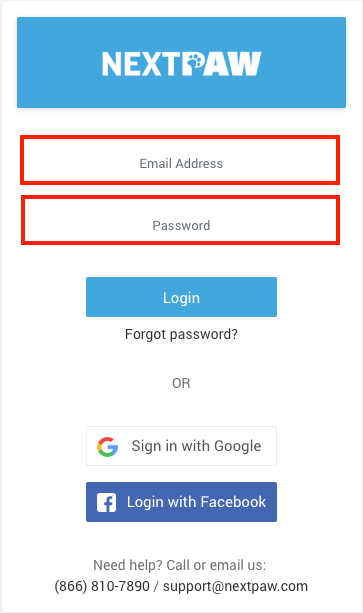
- Go to app.nextpaw.com using your preferred web browser.
- Enter the email address and password associated with your account.
You can also sign in using your Google credentials if your account is connected that way.
- Click the Login button to access your dashboard and begin managing your business tools.
💡 SEO Boost
Regularly logging in ensures your business profile, reviews, and listings are kept up to date, helping you maintain strong local search rankings and consistent online visibility.
Need Help?
If you encounter any issues accessing your account, please contact us at Support@NextPaw.com.